

Description
Download Instant: The Polaroid Instant Camera – Classic Photo Capture, Vintage Filters & One‑Click Sharing
Overview
Instant: The Polaroid Instant Camera brings the nostalgic charm of the original Polaroid picture‑maker to modern smartphones and tablets. With a single tap, users can recreate the unmistakable white border, soft focus, and warm colour palette that defined the iconic instant‑photo era. The app does more than just apply a filter; it simulates the mechanical sounds of a shutter click, the faint whirr of the film motor, and the gradual development of the image on a virtual sheet of photo paper. By shaking the device, the user can accelerate the “development” animation, just as they would with a real Polaroid. Beyond the vintage experience, the app integrates seamlessly with today’s social networks, offering one‑click sharing to Instagram, Facebook, Twitter, and more. Whether you are a casual snap‑shooter looking for a retro aesthetic or a professional photographer who wants to add an analog feel to a digital workflow, Instant delivers a balanced mix of authenticity and convenience. Thousands of users worldwide have praised its attention to detail, ease of use, and the ability to instantly transform ordinary photos into timeless keepsakes. The app is free to download, with optional in‑app purchases for additional templates, premium filters, and exclusive frame designs.
Core Features & Creative Tools
- Classic Polaroid Templates: Choose from over 20 authentic frame styles modeled after historic Polaroid models such as the SX‑70, OneStep, and Spectra.
- Real‑Time Sound Effects: Authentic camera clicks, film winding, and development noises create an immersive analog feel.
- Dynamic Development Animation: Watch your photo slowly appear on a virtual sheet, with the option to “shake” the device to speed up the process.
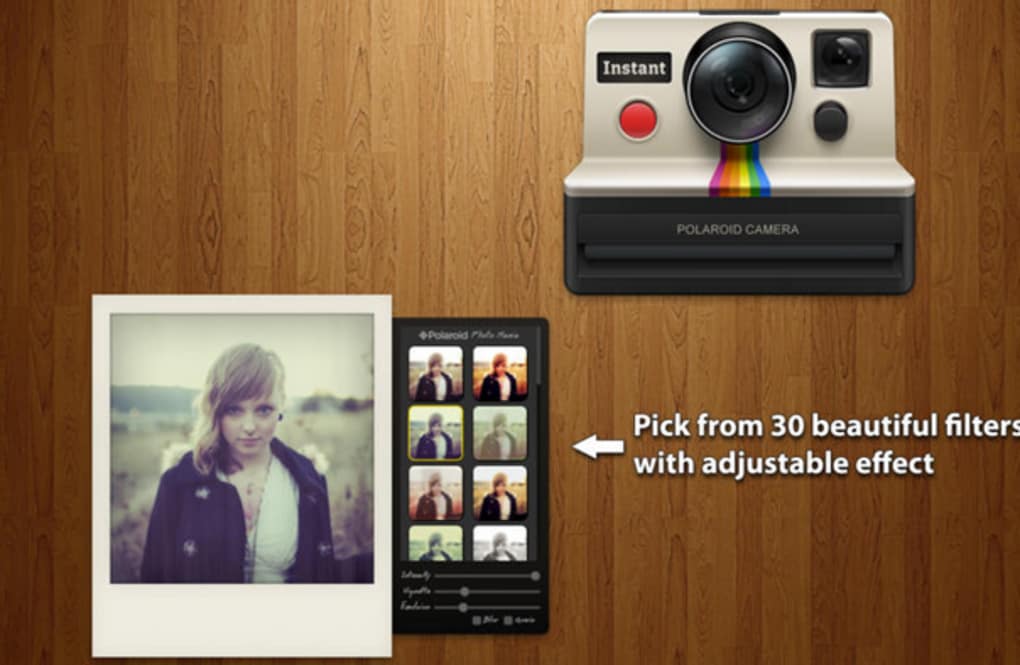
- Advanced Editing Controls: Fine‑tune focus, exposure, and lighting using intuitive sliders that mimic the physical dials of a vintage camera.
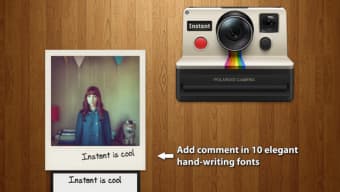
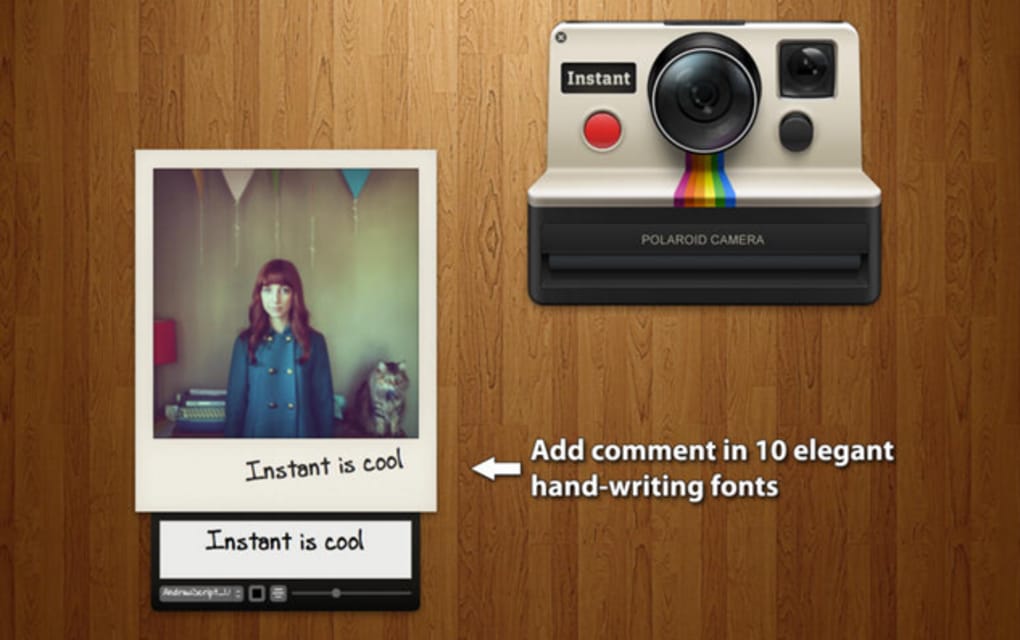
- Filters & Text Overlays: Apply period‑accurate colour casts, grain, scratches, and add custom captions in classic Polaroid fonts.
- One‑Click Social Sharing: Directly publish your creations to Instagram, Facebook, Twitter, Snapchat, and other platforms without leaving the app.
- Cloud Backup & Gallery Sync: Securely store your edited images in the cloud and sync across multiple devices.
- Batch Processing Mode: Apply a selected Polaroid style to multiple photos at once, saving time for bulk projects.
- Regular Updates & New Content Packs: Seasonal frame collections, holiday‑themed filters, and collaborations with vintage photography brands.
Each feature is built with performance in mind, ensuring smooth operation on both low‑end and flagship devices. The app’s UI mirrors the tactile experience of a physical Polaroid camera, featuring virtual knobs for flash, focus, and exposure that respond to touch gestures. For creators who enjoy experimentation, the “scratch‑and‑fade” tool adds realistic wear‑and‑tear effects, giving every picture a story‑telling edge. The combination of retro aesthetics with modern convenience makes Instant a standout choice in the crowded photo‑editing market.
Installation & Step‑by‑Step Usage Guide
Downloading and Setting Up
Instant is available for free on the Apple App Store and Google Play Store. Simply search for “Instant: The Polaroid Instant Camera,” tap “Install,” and allow the app the requested permissions for camera, storage, and microphone to enable full functionality. The initial launch will walk you through a brief tutorial that explains the main interface, including the shutter button, template selector, and sharing shortcuts. The app automatically detects your device’s resolution and optimizes the rendering engine for the best visual quality.
Capturing Your First Polaroid
1. Open the app and choose “New Capture.”
2. Select a template that matches the Polaroid model you wish to emulate.
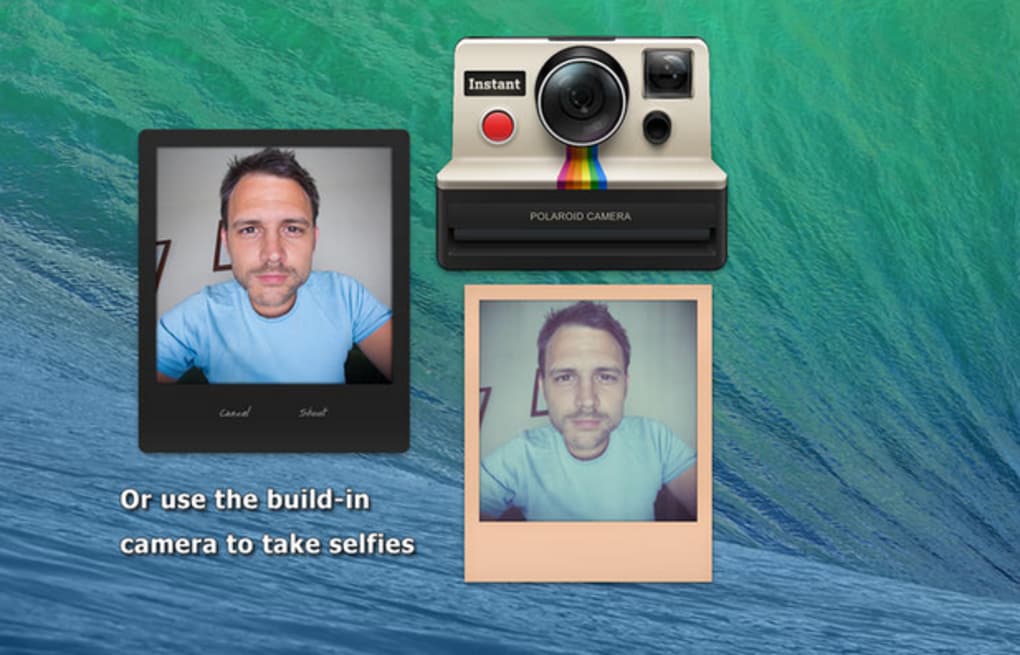
3. Frame your subject using the on‑screen viewfinder. The built‑in focus and exposure sliders appear on the right side, mirroring classic camera dials.
4. Tap the white shutter button. You’ll hear the classic click and see a brief flash animation.
5. The photo will begin to “develop” on a virtual sheet; you can watch the image gradually appear or shake the device to accelerate the process.
6. Once development completes, tap “Edit” to apply additional filters, add text, or adjust the border colour.
Editing an Existing Photo
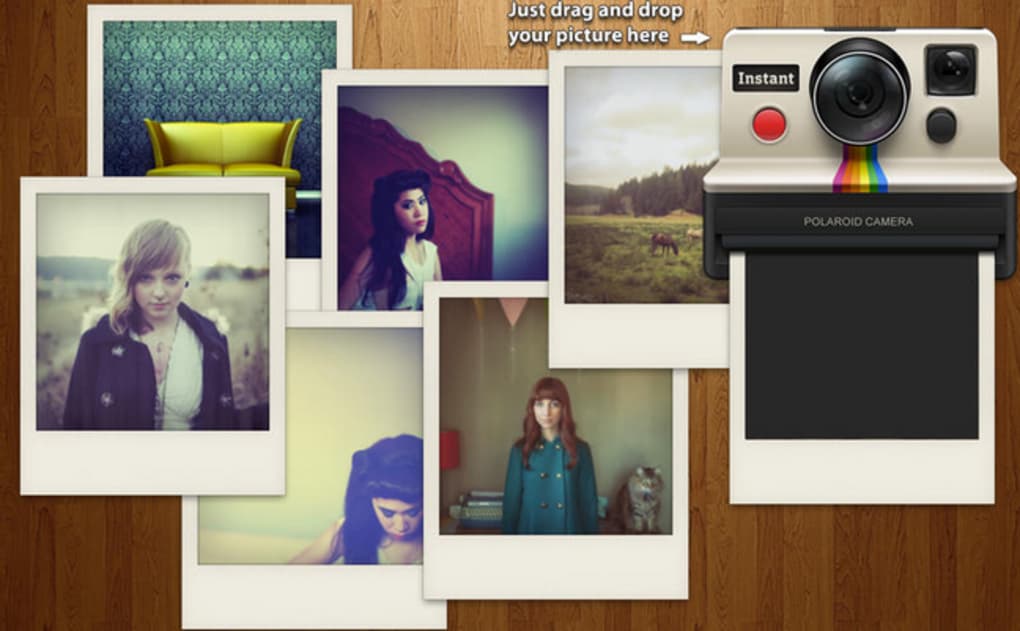
To transform an image from your gallery, tap the “Import” icon, select a photo, and choose a Polaroid template. The same editing controls are available, allowing you to tweak lighting, add grain, or apply a vintage vignette. When satisfied, hit the “Save” button to store the finished picture in your device’s photo library or the built‑in cloud gallery.
Sharing and Exporting
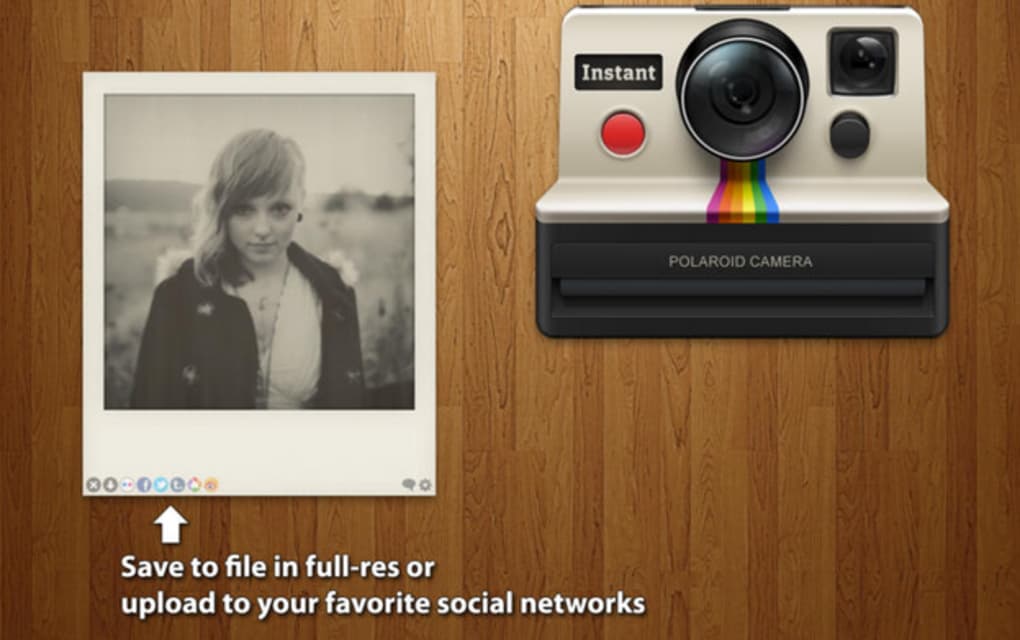
The app’s sharing panel presents icons for Instagram, Facebook, Twitter, WhatsApp, and email. One tap sends the image directly to the chosen platform, preserving the Polaroid border and metadata. For high‑resolution needs, select “Export as PNG” or “Export as JPEG (max quality)” from the “Save” menu. The exported file includes EXIF data that notes the applied filter and template, which can be useful for professional archiving.
Compatibility and System Requirements
Instant: The Polaroid Instant Camera is optimized for both iOS and Android ecosystems, supporting a wide range of devices while maintaining a consistent user experience.
Supported Platforms
- iOS: iOS 12.0 or later. Compatible with iPhone 6s and newer, iPad (5th generation onward), and iPad Mini 4.
- Android: Android 7.0 (Nougat) or later. Works on smartphones and tablets with at least 2 GB RAM and a minimum screen resolution of 720 × 1280.
Hardware Recommendations
While the app runs on most modern devices, for the smoothest animation during photo development and batch processing, we recommend a device with a quad‑core processor, 3 GB RAM or more, and a GPU that supports OpenGL ES 3.0. Devices with limited storage should ensure at least 200 MB of free space for temporary cache and cloud backup files.
International Availability
The app is localized in English, Spanish, French, German, Japanese, and Korean. Language selection follows the device’s system settings, and all UI elements, help guides, and tutorial videos are translated accordingly. In‑app purchases are available in the local currency of the user’s App Store or Google Play region.
Pros, Cons, Frequently Asked Questions, and Final Thoughts
Pros
- Authentic Polaroid look and sound that feels true to the original experience.
- Intuitive interface with real‑world camera controls.
- One‑click sharing to major social platforms.
- Regular content updates and seasonal frame packs.
- Free to download with optional premium upgrades.
Cons
- Some advanced filters require in‑app purchases.
- Development animation may be slower on very low‑end devices.
- Limited support for RAW image import.
Frequently Asked Questions
Can I use Instant without an internet connection?
Yes. All core features, including capturing, editing, and applying Polaroid templates, work offline. Cloud backup and social sharing require an internet connection.
Is there a limit to how many photos I can save in the app?
The free version stores up to 500 edited photos locally. Premium users enjoy unlimited storage synced to the cloud.
Do the Polaroid templates include the original brand logos?
Yes. All templates replicate the exact border dimensions, fonts, and logo placements used by the original Polaroid models.
Can I export photos with transparent backgrounds?
Exporting with a transparent background is available as a premium feature. The standard export includes the classic white border.
How often are new templates added?
The development team releases new template packs every quarter, plus special holiday collections during major celebrations.
Conclusion & Call to Action
Instant: The Polaroid Instant Camera successfully bridges the gap between analog nostalgia and digital convenience. Its meticulous recreation of vintage sounds, development animations, and authentic frame designs set it apart from generic filter apps. While the free version already offers a robust set of tools, power users will appreciate the optional premium packs that expand creative possibilities. Whether you’re looking to add a retro flair to personal memories or need a quick, eye‑catching visual for social media, Instant delivers a reliable, fun, and secure solution. Download today, experiment with the classic looks, and share your moments instantly—just like the original Polaroid did decades ago.
Guides & Tutorials for Instant The Polaroid Instant Camera
How to install Instant The Polaroid Instant Camera
- Click the Preview / Download button above.
- Once redirected, accept the terms and click Install.
- Wait for the Instant The Polaroid Instant Camera download to finish on your device.
How to use Instant The Polaroid Instant Camera
This software is primarily used for its core features described above. Open the app after installation to explore its capabilities.
User Reviews for Instant The Polaroid Instant Camera 0
No reviews found





.webp)